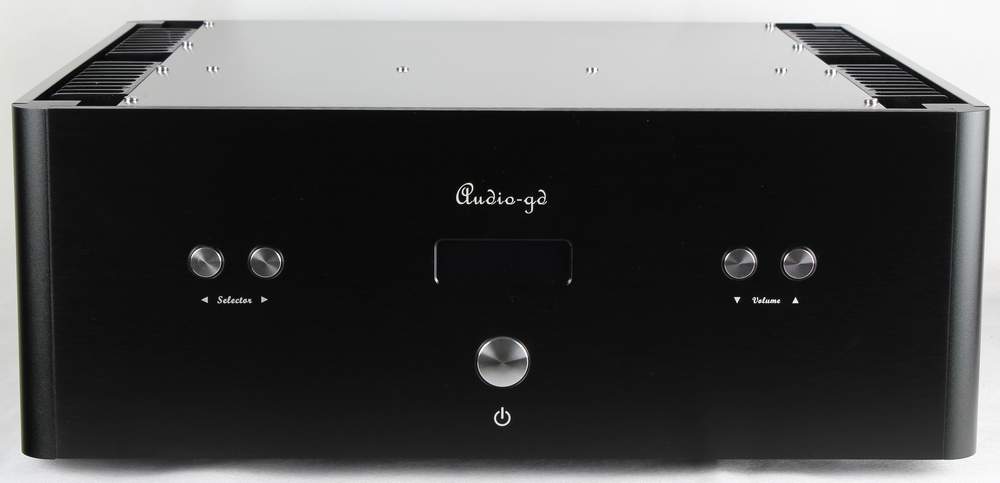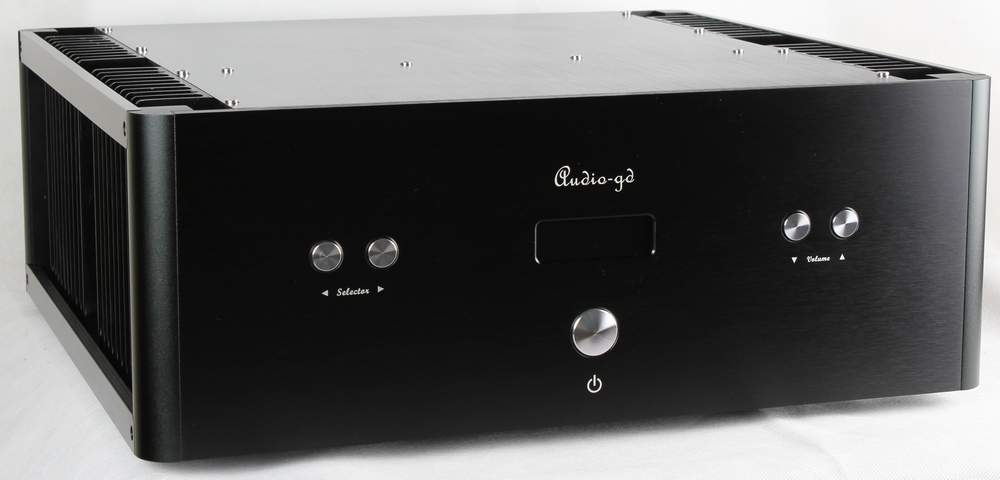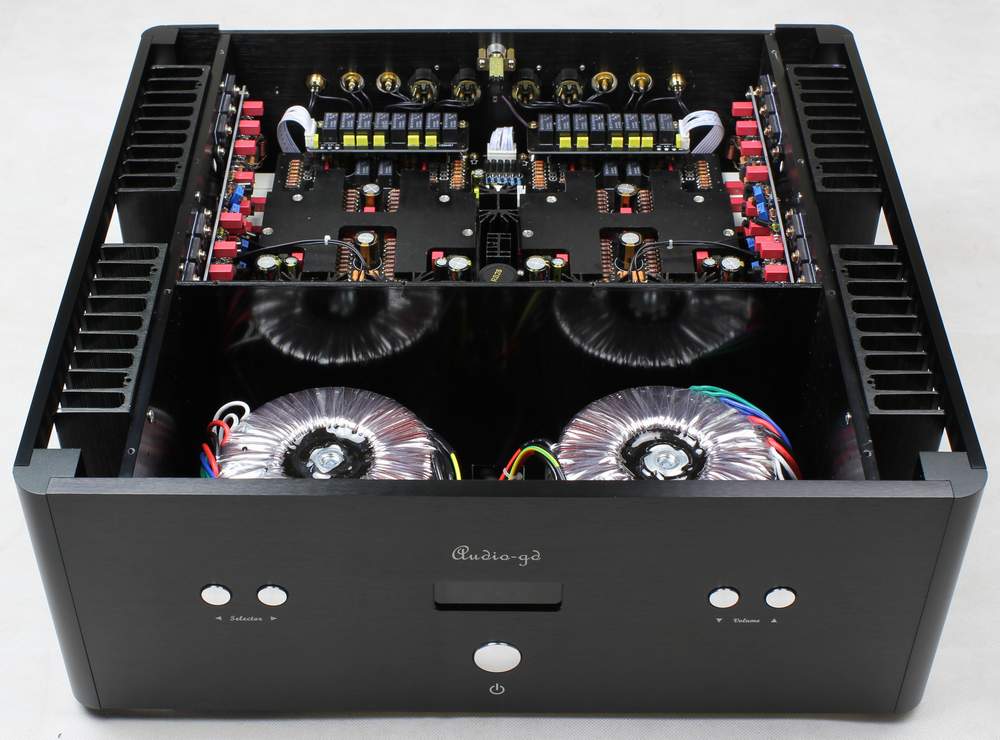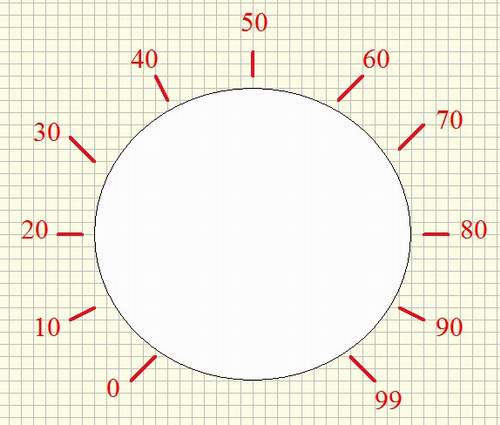
|
How
to choose the settings in Master-10 :
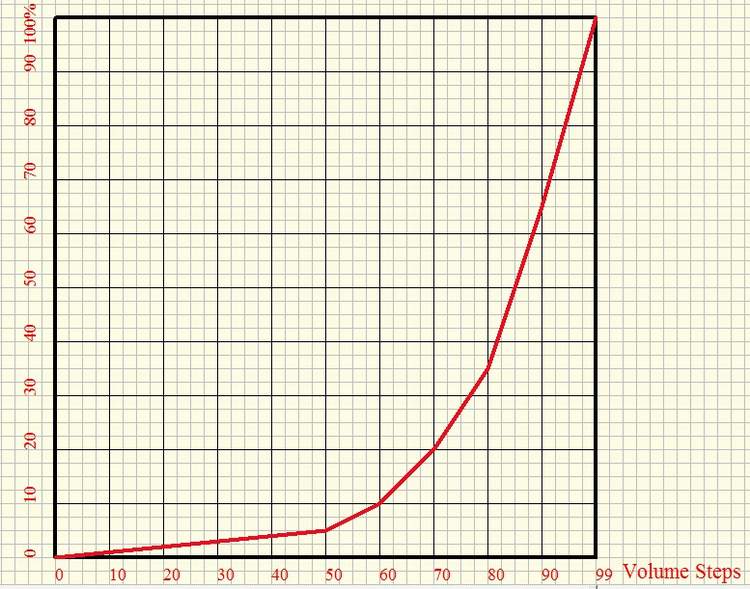
With the Master-10, the user has a choice of 70 steps ( Linear
characteristic ) and 99 steps ( Exponent characteristic) of
volume control, and you can also choose whether to have volume
memory.
1. Choose 70/99 steps volume control:
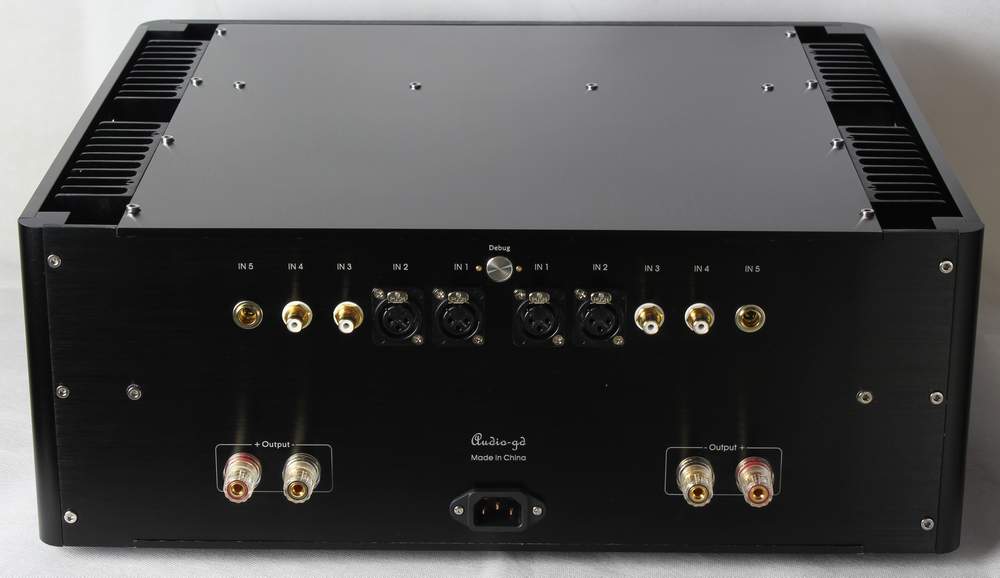
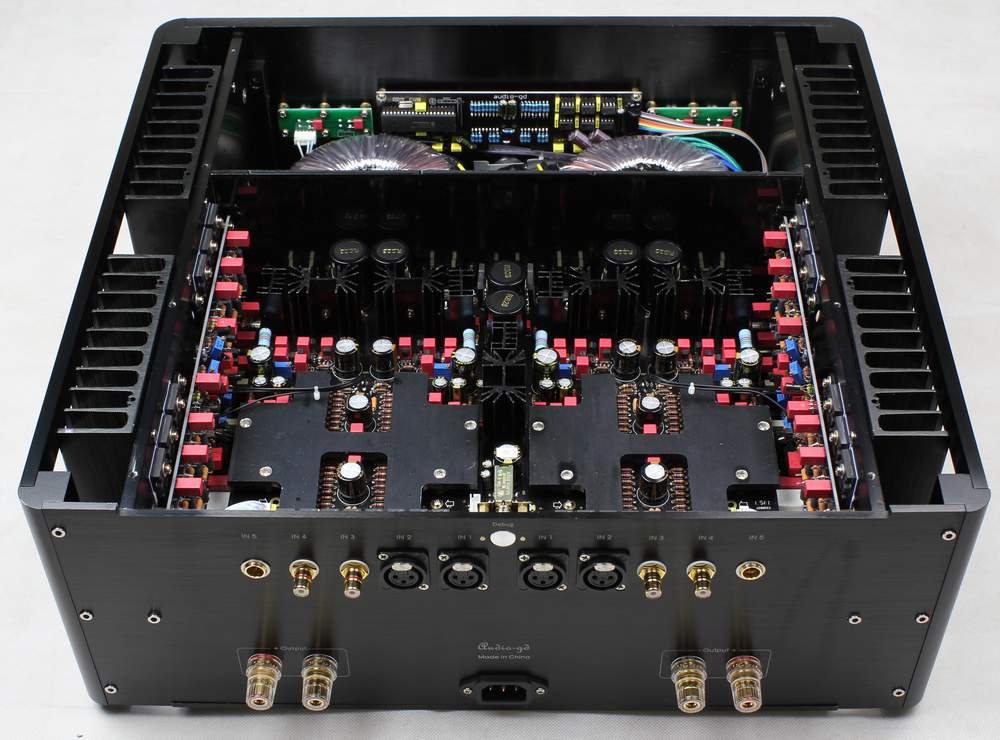
Step A: Push out the "Debug" switch.
Step B: The display shows as pictures below.
Step C: Push the volume button, choose between 70 or 99 on
right.
Step D: Push in the "Debug" switch.
70 step volume
control
99 step volume control

2. Choose volume memory:
Step A: Push out the "Debug" switch.
Step B: Push the selector button; the display shows as pictures
below.
Step C: Push the volume button, choose display "ON" or "OF" on
left.
Step D: Push in the "Debug" switch.
Volume memory active.
Volume memory off.
 |