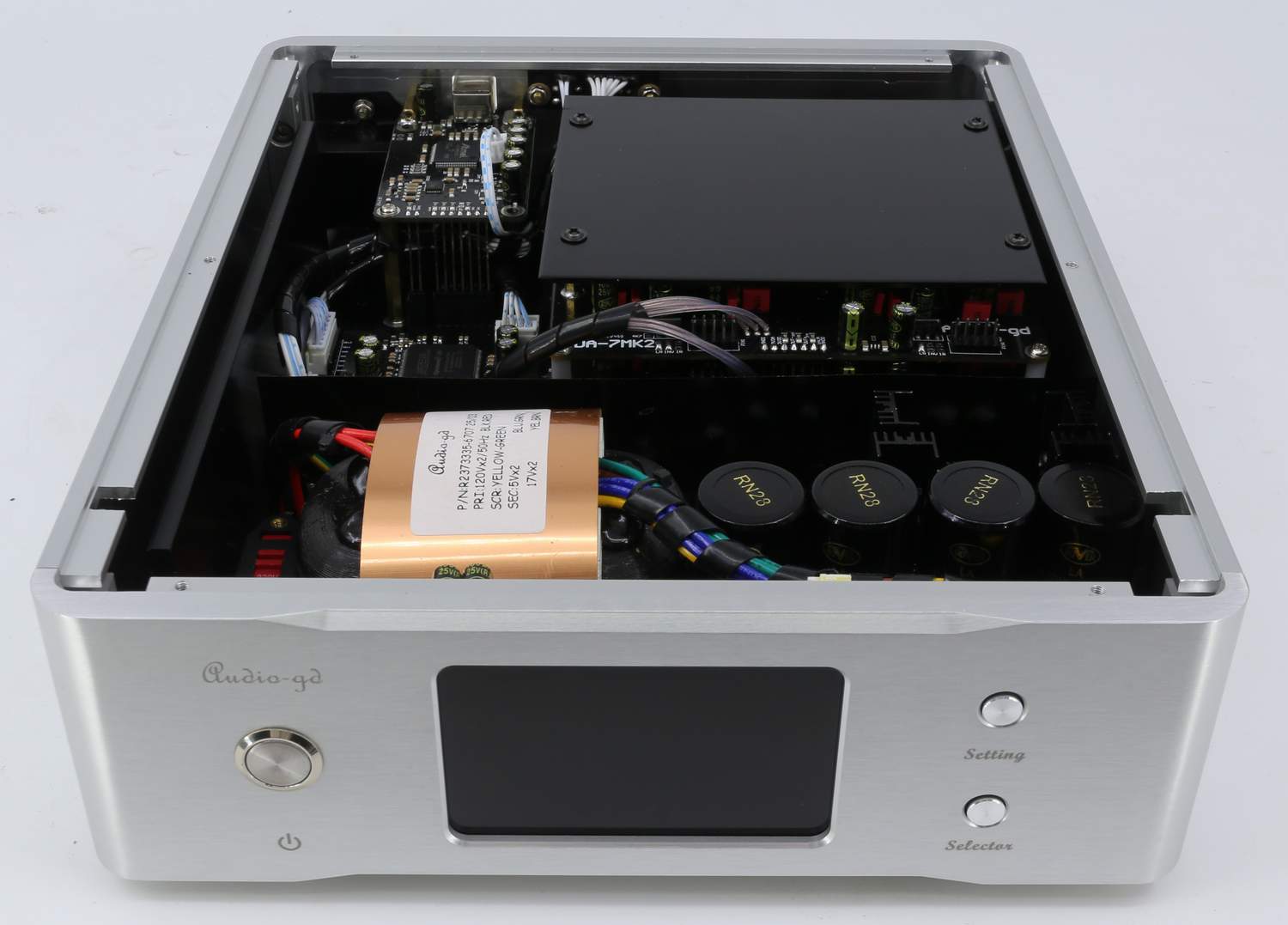
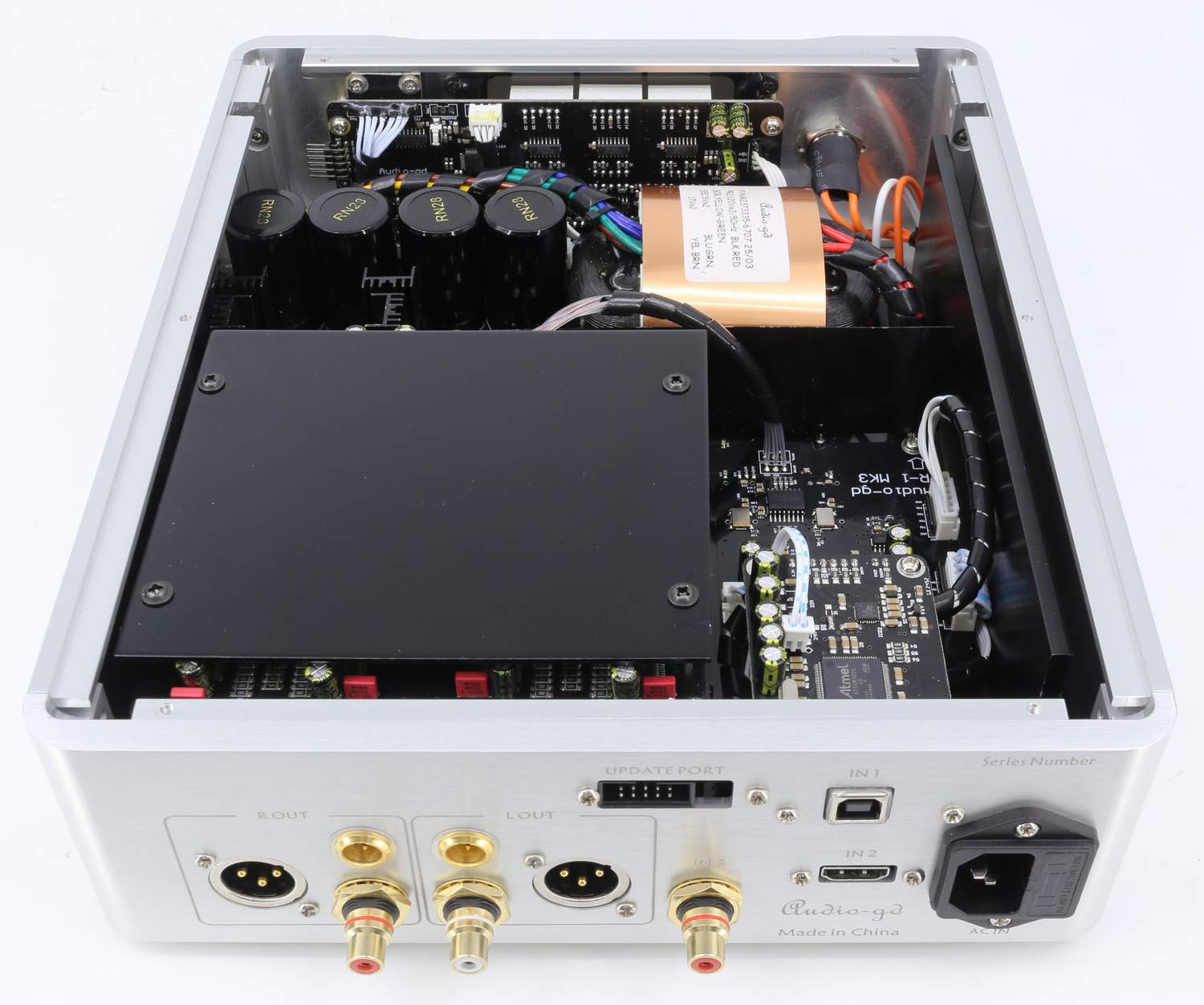
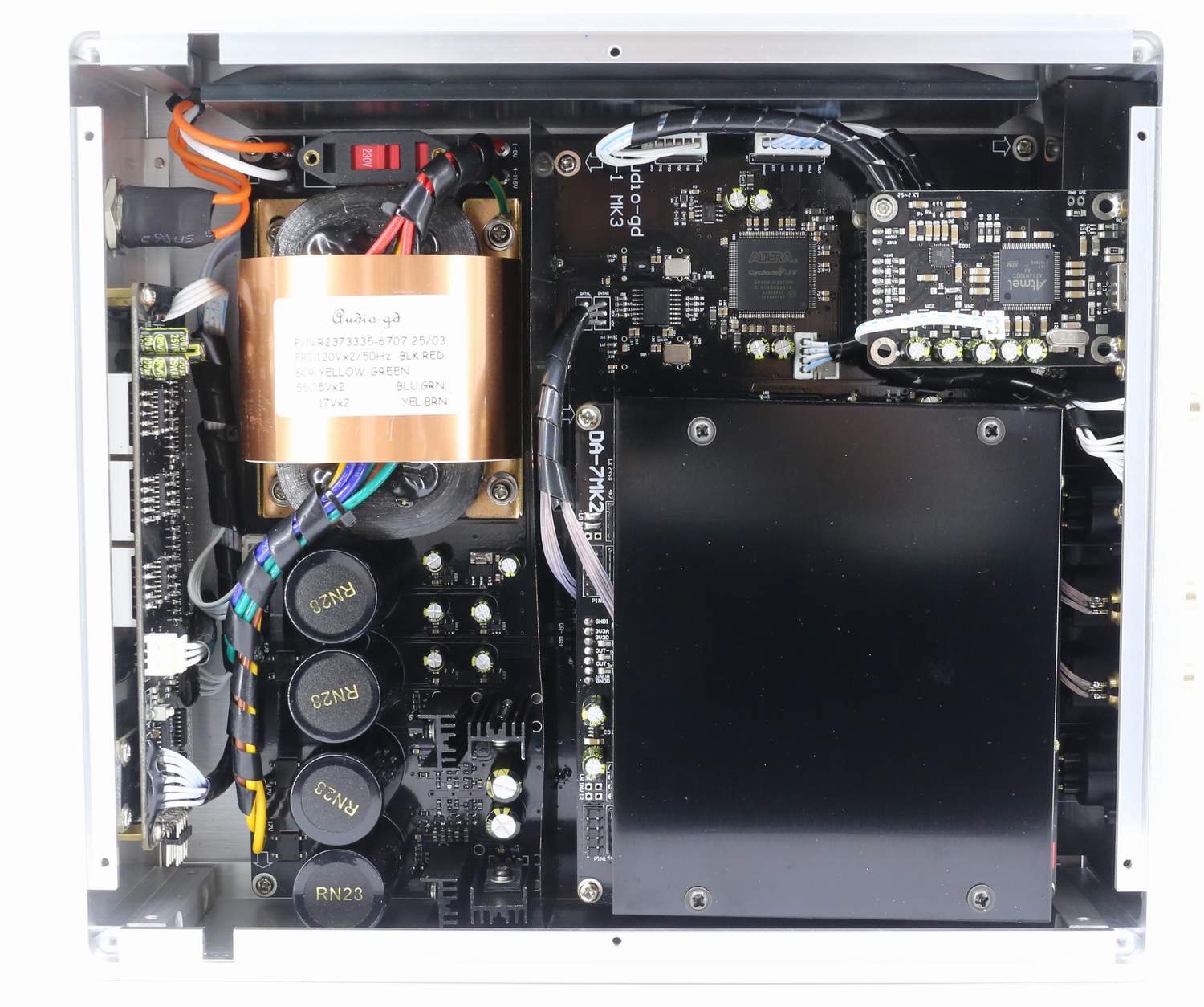
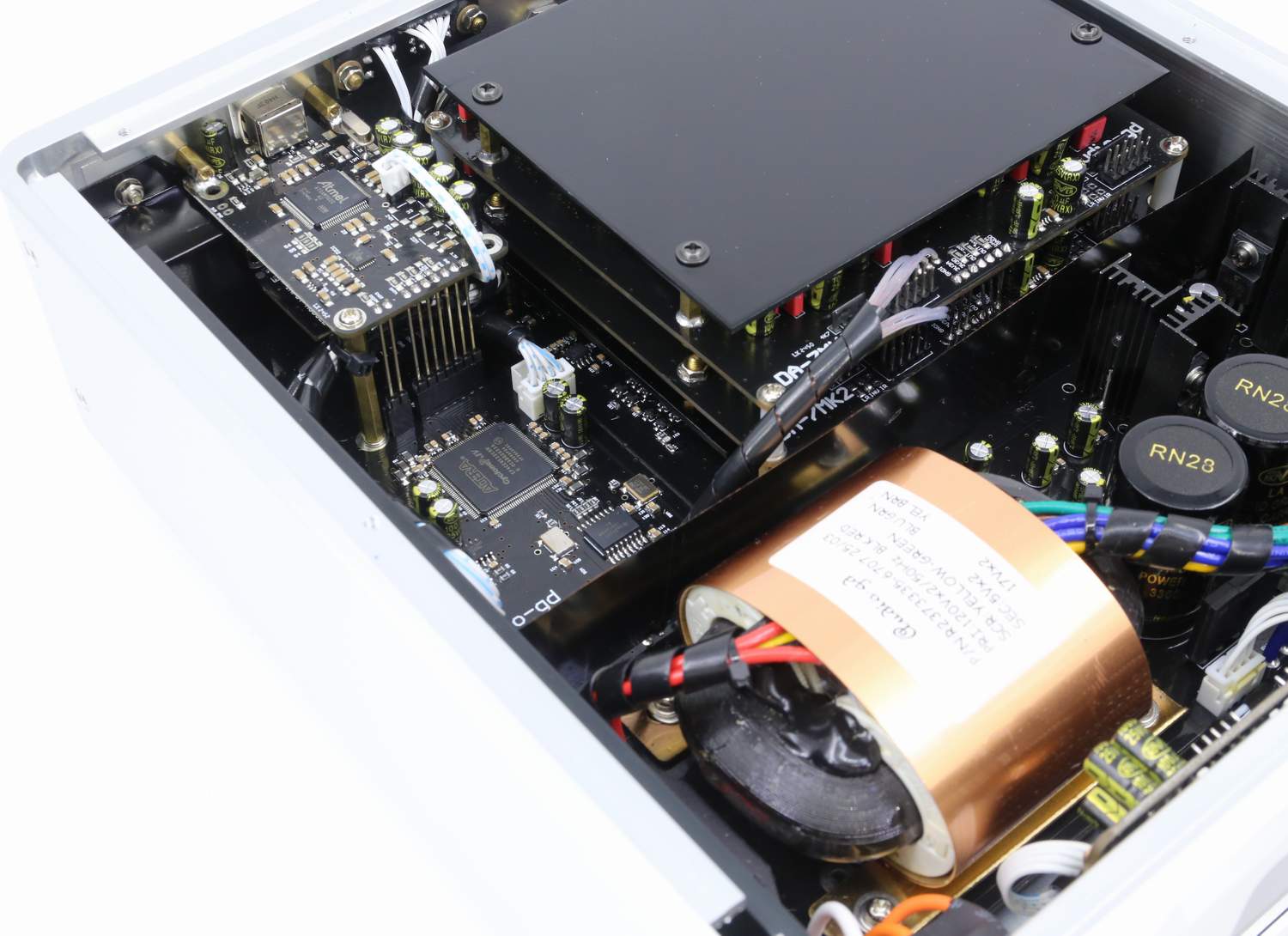
|
Please note:
This product applies the latest power technology.
Therefore the working temperature has dropped significantly compared
to the previous generation products. This allows leaving power on
over the long term.
This product is burned-in for at
least 100 hours before shipping.
We recommend burning it
for an additional 300 hours for best results.
The quickest way to complete the
burn-in of this product is to play music continuously.
Do not immediately power on the unit
after powering it off. Wait for at least 30 seconds.
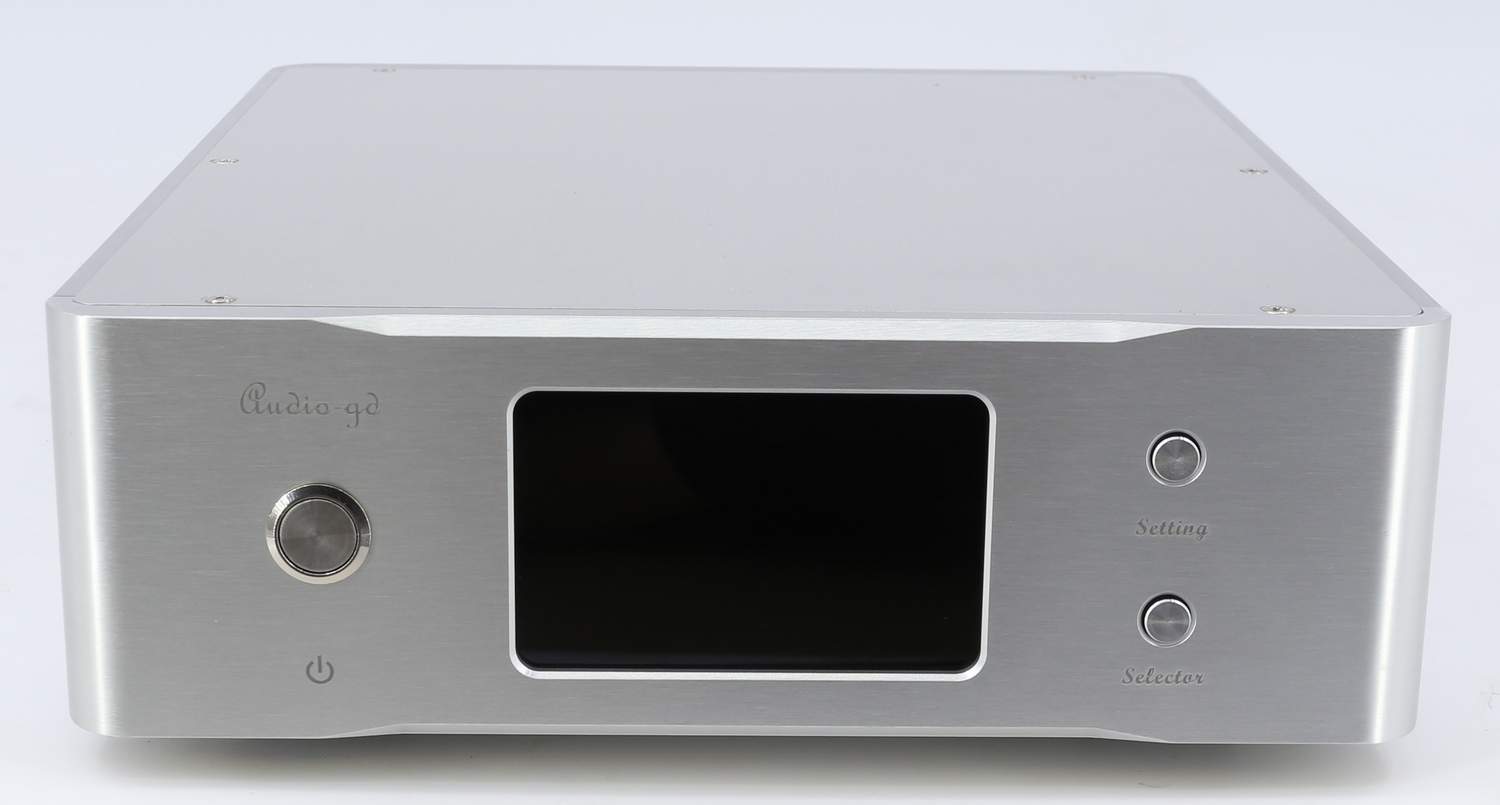
Normal working
state display:
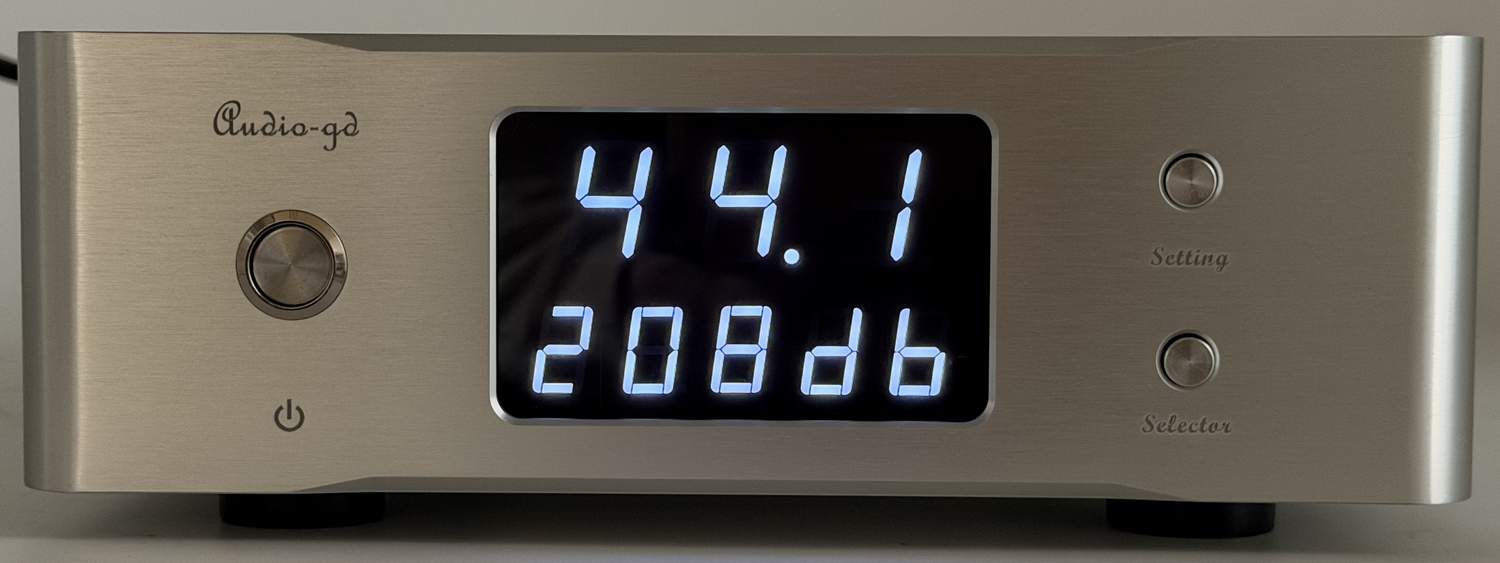
Digit on top:
Input signal
sampling rate indicator; 44.1, 48.0,88.2, 96.0, 176, 192, 352 and
384 are for the PCM formats, while 064, 128, 256 and 512 are for the DSD
formats.
Leftmost digit on bottom:
Input channel
indicator.
2nd and 3rd digit
on bottom:
Oversampling
display, could be set to NOS modes include N0 and N1, also the OS
modes include O2,O4 and O8 .
4th
digit on bottom:
The turnable sound flavor
simulate .
5th digit
on bottom:
Display
auto-dimming setting.
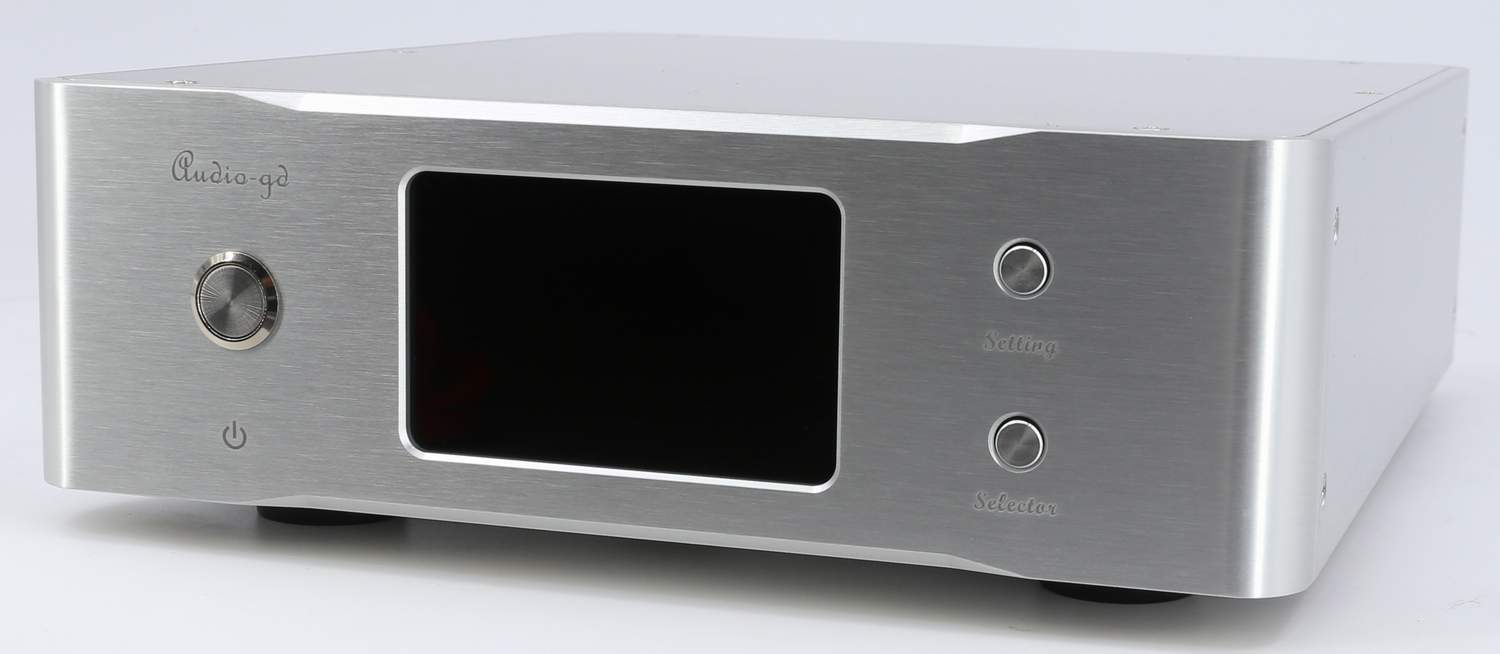
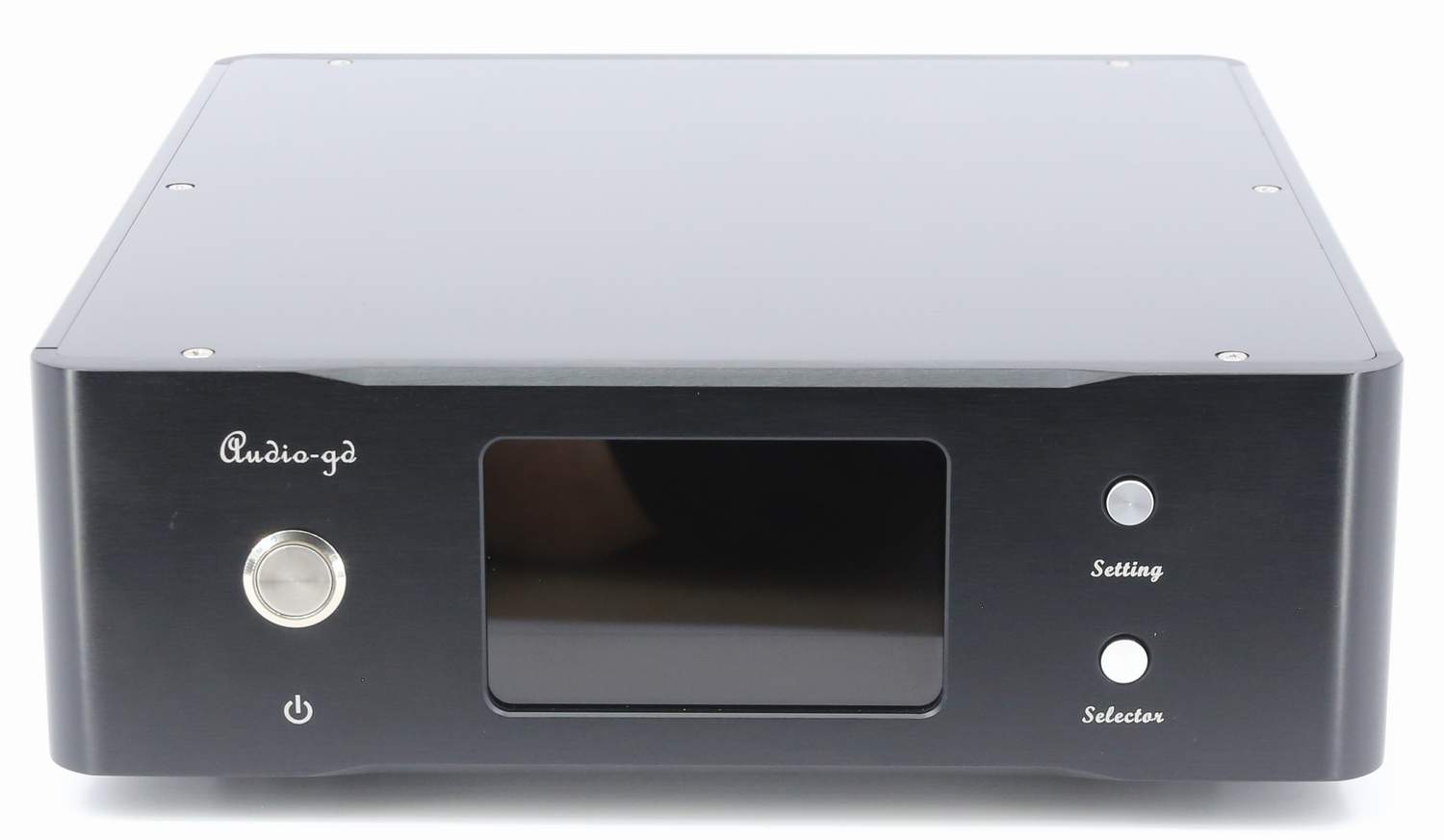
Button
functions:
Upon button: (Only
available while user want to change the set feature .)
Push the left button
once, the leftmost digit of bottom will blink, which indicates it is selected.
This allows changing the corresponding setting. Push the right button to select the desired value. While the display is
still blinking, push left button again , the next digit to the right
will be selected and blink.
While the rightmost digit of
bottom is
blinking, push the left button one time, push
the left button one time, quite the set menu and back to the normal
state.
Bottom button: (Mulriple functions.)
While the display is in normal
state (not blinking), it allows selecting the input source in
decreasing order.
Setting
state display:
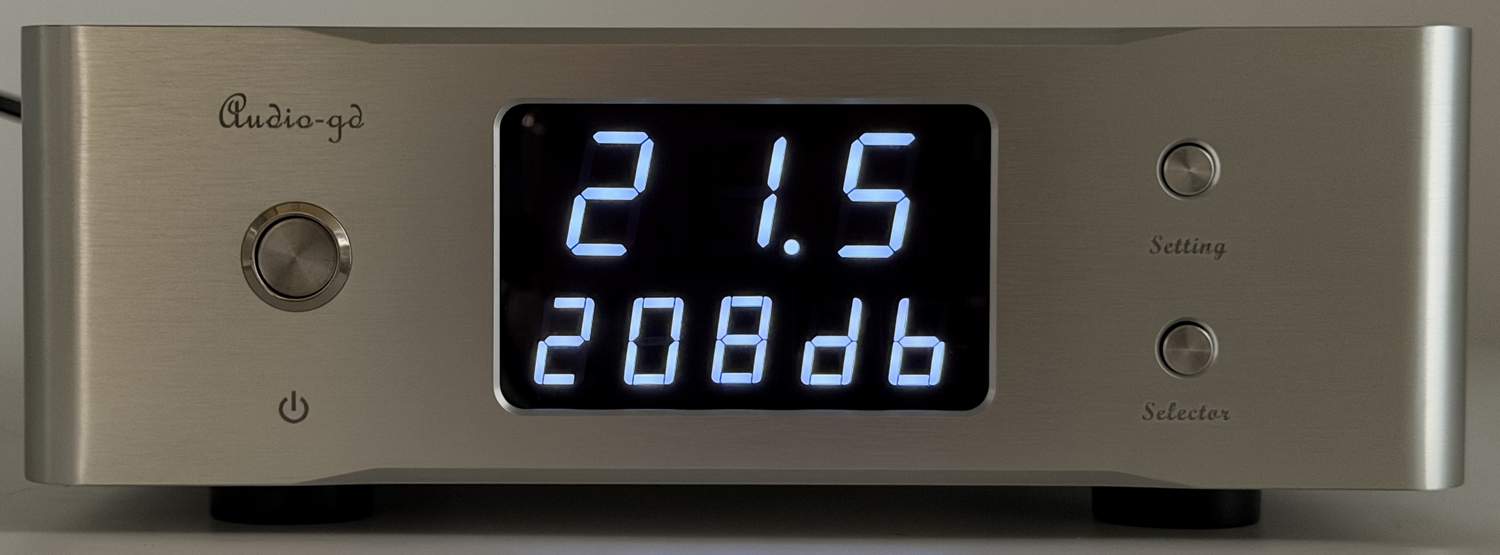
Digit on top:
When push the
setting button,the digit on top show the product inside temperature
of celsius .
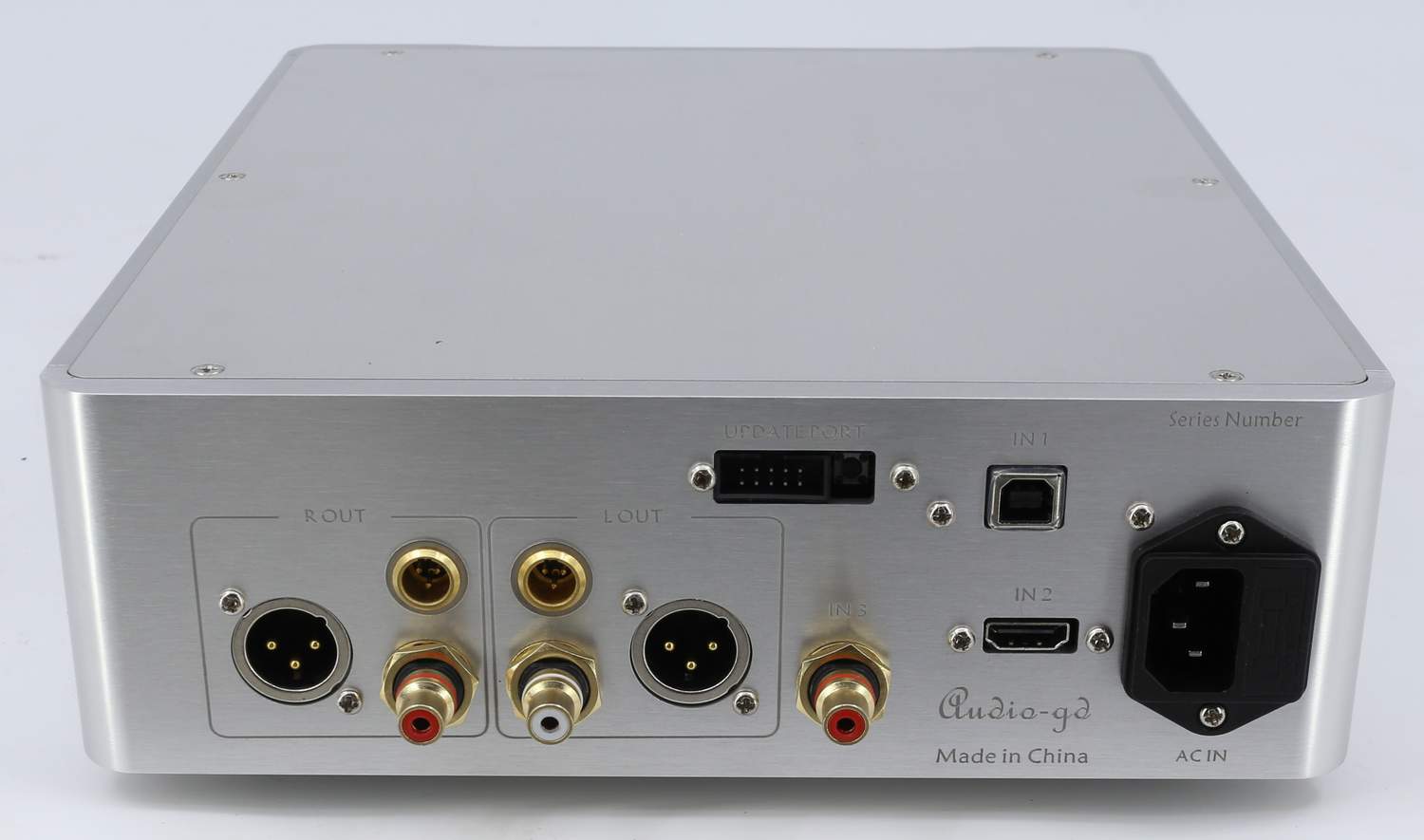
The leftmost digit on bottom: Input
channel select
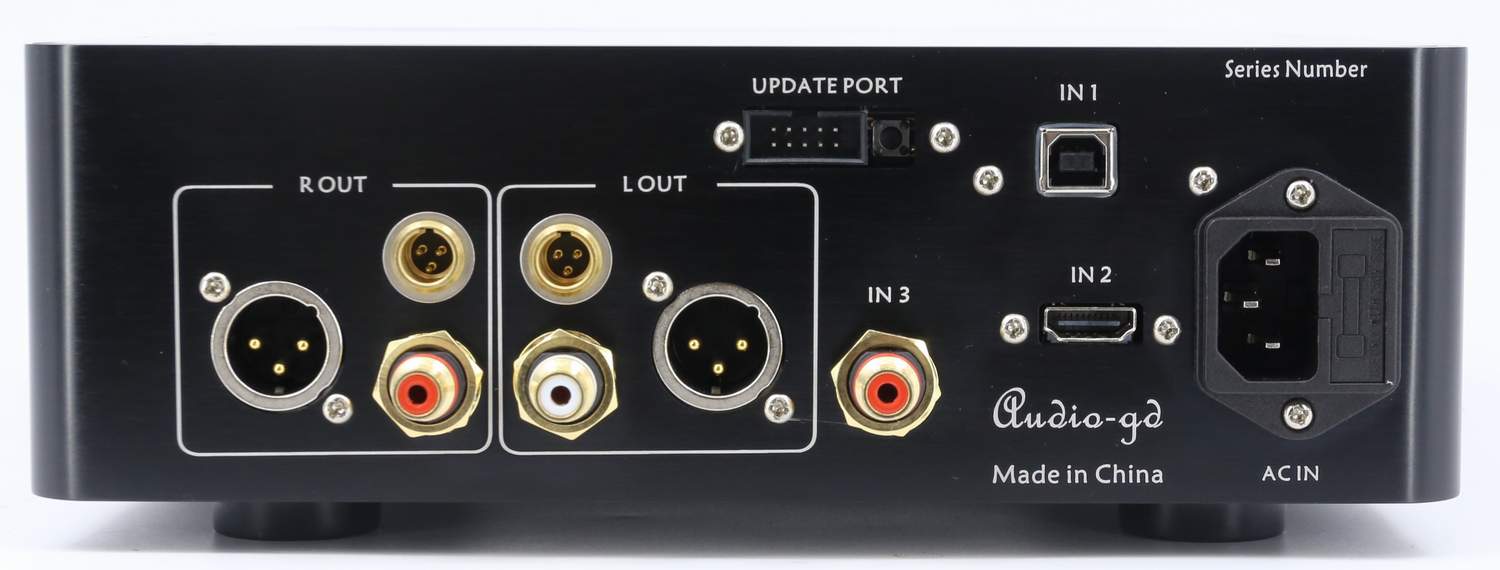
"IN1",for the
USB digital input. (For Windows , the computer must install the
driver for recognize the device. Mac, Linux, IOS and Android don't need driver install.)
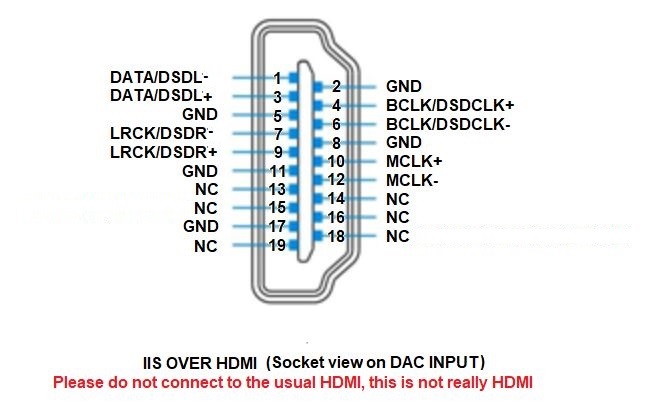
"IN2", for the HDMI-IIS digital input; (The HDMI-IIS
need the source HDMI-IIS output has the same pin definitions for
compatible and work. It can't work with the TV or computer standard
HDMI output .)
"IN3", for the coaxial digital
input;
The 2nd and 3rd digit from the left on
bottom: OS and NOS mode select.
While working under
oversampling (OS) mode, the lower the oversampling level is, the
warmer the sound will be. While working under non-oversampling (NOS)
mode , the sound even more warmer and smoother. The possible values are:
N0 : New NOS mode.
N1 : Classis NOS mode.
O2 : 2X oversampling
O4 : 4X oversampling
O8 : 8X oversampling
The 4th digit
on bottom: Simulates the
sound of a turnable
S (Simulate) : Activate the phono simulation feature, and we recommend to set the DAC on
OS2, NOS0 or NOS1 mode for best results.
d (Disable-Simulate) :
Disable the phono simulation.
The 5th digit
on bottom: Display
auto-dimming setting
A (Auto Dark) : Enables the display's
auto-dimming; the display will dim 10 seconds after the buttons are
left untouched, only keeping a LED bar lit to indicate the unit is
turned on. As soon as a button is touched, the display will turn
back on.
b (Bright) : Disables the display's
auto-dimming, the display will remain on at all time.
HDMI definitions : (Apply
HDMI transmit the IIS signal, the pin's definitions must exact same )
|